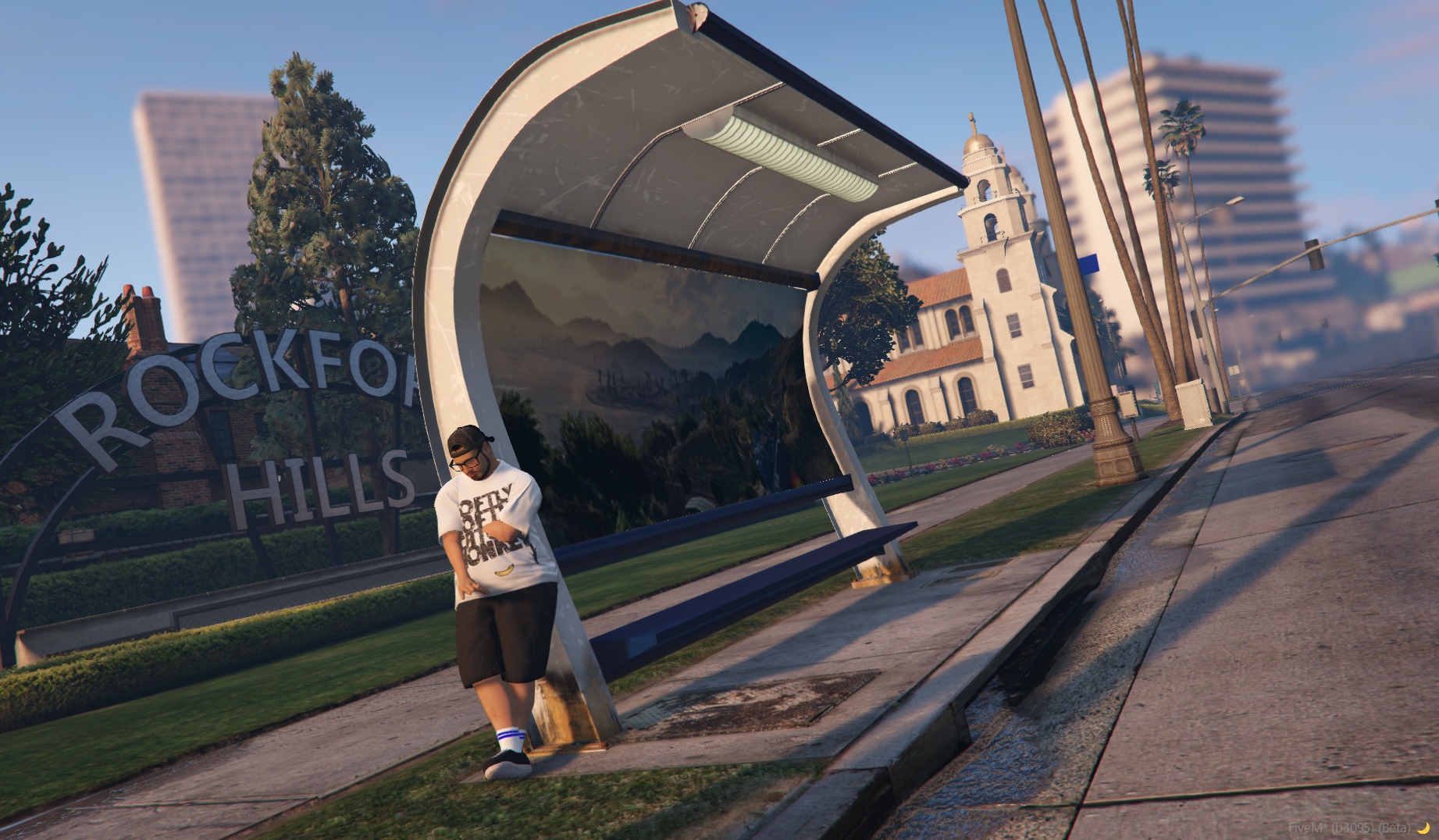
Installation
Welcome to the documentation for Brazilian Stop Bus.
📎 Tutorial: How to Install a Ready-Made Map on FiveM
1. 📁 Place the map in the resources folder
Move the ready-made map folder into your server’s resources folder.
Example path:
cfx-server/resources/[maps]/new-age-studios
2. 🧹 Delete the server cache
Before starting the server, delete the cache folder located at the root of the server. This prevents old data from interfering with the correct map loading.
3. 📜 Add to server.cfg
Open the server.cfg file and add the following line:
ensure new-age-bus-stop
4. ▶️ Start the server
Run your server as usual.
If you need further support, please open a ticket on our Discord.