Installation
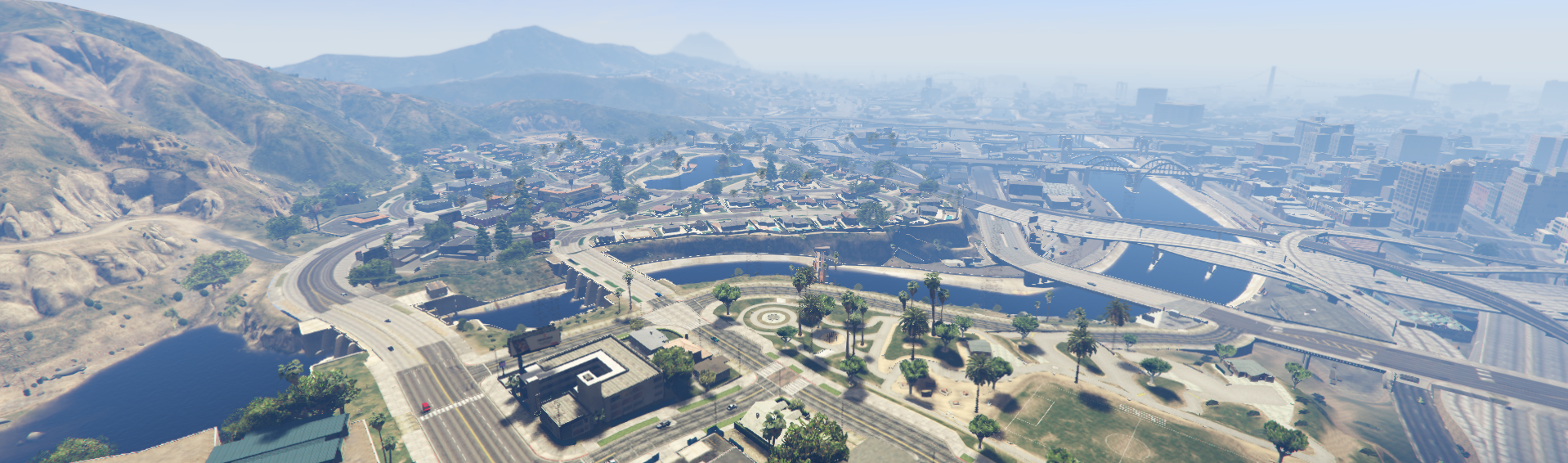
Missing water on some spots of river?
do not change the names of the map folders. They must remain exactly like this.
- 📁 new_age_studios_river_data
- 📁 new_age_studios_river_map
if you change the name, the map will not work properly.
📌 Server GameBuild
Make sure your server is set to use game build version 3095 +.
In the server.cfg file, it should look like this:
set sv_enforceGameBuild 3095 # 3258
📁 Modification in the gta5.meta files
- Locate every gta5.meta files on your server
- Edit this part of code
<Item>
  <filename>COMMON:/data/levels/gta5/heightmap.dat</filename>
  <fileType>WORLD_HEIGHTMAP_FILE</fileType>
</Item>
- Into this
<Item>
  <filename>resources:/new-age-studios-river-data/heightmap.dat</filename>
  <fileType>WORLD_HEIGHTMAP_FILE</fileType>
</Item>
They should all look like this, as shown in the image below.
Scenarios that are edited
- cypress_flats.ymt
- east_los_santos.ymt
- la_mesa.ymt
🗑️ How to Remove All water.xml Files
- Open your server folder (root of your FiveM base).
- Search for
water.xml. - Delete or move them (right-click → Delete, or move to a backup folder).
- Check again to be sure no duplicates are left.
- Clear the
cachefolder so FiveM reloads clean.
📎 Tutorial: How to Install a Ready-Made Map on FiveM
1. 📁 Place the map in the resources folder
Move the ready-made map folder (e.g., NW_map) into your server’s resources folder.
Example path:
cfx-server/resources/[maps]/new-age-studios
2. 🧹 Delete the server cache
Before starting the server, delete the cache folder located at the root of the server. This prevents old data from interfering with the correct map loading.
3. 📜 Add to server.cfg
Open the server.cfg file and add the following lines in this order:
ensure new-age-studios-river-data
ensure new-age-studios-river-map
Below
ensure new-age-studios-river-map, add the rest of your maps.
4. ▶️ Start the server
Run your server as usual.